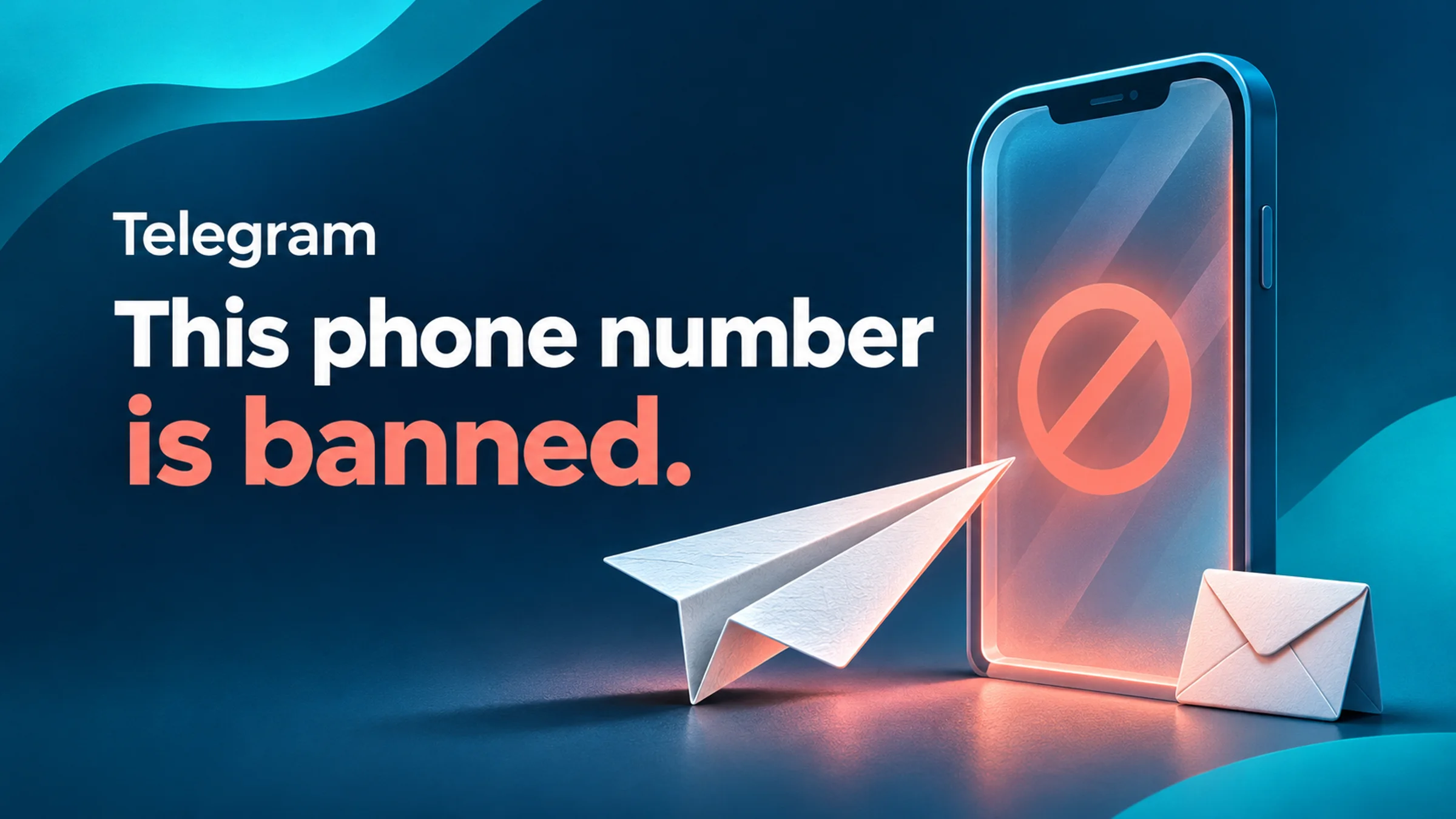
“This phone number is banned.” is the alert Telegram shows after you enter a phone number and before it sends a login code. It means Telegram is blocking that number from signing in. The alert does not give a reason, and it does not say whether your old chats still exist. Telegram’s Terms of Service say that breaking its rules “may result in a temporary or a permanent ban,” and the alert does not tell you which kind you have.
If you can already open your chats and the app says your account is frozen, use the appeal shown inside that account.
How to send the phone-number appeal
To appeal “This phone number is banned.” on Telegram, bring the alert up in the official app, choose Help, and send the email it prepares. If no email opens, use Telegram’s support form.
- Bring the alert up in the official Telegram app. Enter the number with its country code, exactly as you used it before. If you already tapped OK, enter the same number again and tap Continue on iPhone, the arrow button on Android, or Next in Telegram Desktop. The alert appears again while the number is still banned. Choose Help, not OK. In Telegram X, tap Contact us in the message.
- Check the email draft. Keep the recipient and the subject filled in by Telegram. Make sure the number in the message is the one you want reviewed. Leave the app and device details in place. Add one sentence describing what you were doing when the message appeared.
- Press Send in the mail app. Opening the draft alone does not submit anything. If you’re unsure whether you sent it, look in Drafts, Outbox and Sent. A copy in Sent records that your mail app sent the message. Only Telegram can confirm the review.
- If no email opens, use the official Telegram support form. This also applies to Telegram for macOS, which shows the sentence without a Help button. On Android without an email app, Telegram shows a message asking you to email reports@stel.com in place of a draft; the form works from any device. The form asks for a description, your full legal name, an email where you can be reached, and your phone number. Include the country code. Send your details privately through that form.
For the description, you can write:
I’m trying to sign in to Telegram with [my number, including the country code]. The app says “This phone number is banned.” before I receive a code. Please review the ban.
If this is your first time signing up with a number your carrier recently assigned, say that in place of “trying to sign in.” Leave login codes and passwords out of the message. Telegram says to keep account login codes private.
Why the appeal email differs between phone and desktop
Telegram’s Android, iPhone and Telegram X apps address the “This phone number is banned.” appeal to recover@telegram.org, and Telegram Desktop addresses it to login@stel.com. Send the email your own app opens. Seeing the other address is no reason to send a second copy. None of these apps fills in login@telegram.org, an address that appears in AI search answers.
| Where you see the ban | What to choose | What the client opens |
|---|---|---|
| Telegram for Android | Help in the ban alert | Your email app, addressed to recover@telegram.org |
| Telegram for iPhone or iPad | Help in the ban alert | An email to recover@telegram.org, with the number and app details filled in |
| Telegram Desktop | Help in the ban alert | A draft in your email handler addressed to login@stel.com |
| Telegram for macOS (the native Mac app, not Telegram Desktop) | Nothing to choose: the sentence appears as red text under the number field | No email. Use Help in Telegram Desktop or on your phone, or the support form |
| Telegram X for Android | Contact us within the message | A draft using the app’s login-help address, recover@telegram.org in its English resources |
On an iPhone, Help can show an email-account setup message instead of a draft. The iOS client checks whether Mail can send before opening the composer. If you got that setup message, you have not sent an appeal through the app. You can use the web form immediately.
How long to wait, and how to check the result
Telegram publishes no review time for “This phone number is banned.” and no date when the ban ends. Its login error documentation and its help for people who cannot log in give neither. AI answers that tell you to wait a few days to a few weeks are giving estimates, not Telegram’s figures. Keep a copy of your appeal. If you have not heard back, try signing in with the same number later. Reaching the code step means the ban message is no longer blocking that attempt. Finish signing in before assuming you have your old account and chats back.
How long Telegram keeps an account that cannot come online is a separate question. Telegram’s FAQ on account self-destruction says an account that does not come online for at least 18 months is deleted with all its messages, media and contacts. The FAQ adds that you can change this period in Settings, so your account may have a shorter period if you changed it earlier. Telegram does not say how self-destruction applies to a banned number, or whether the number can sign up again after the account is deleted. AI answers that put the period at six months do not match the FAQ as of November 2026. If you sign up again after an account is deleted, Telegram’s FAQ says you appear as a new user and do not get your history, contacts or groups back.
Treat anyone who offers to lift the ban for a fee as a scam. Telegram’s FAQ names @SmsTelegram on X as its login-help account and says, “we don't have any other support accounts on any social media platforms.” The same FAQ says Telegram will never ask for your verification codes or your 2-Step Verification password.
If the screen now says “Too many attempts, please try again later.”, stop requesting codes. That’s a different login error with a different next step. See how to handle Telegram’s attempts limit.
Frequently asked questions
Is a Telegram phone-number ban permanent?
Telegram publishes no duration for this ban. What it does publish is account self-destruction: an account that doesn't come online for 18 months by default is deleted along with its messages, media and contacts. Telegram does not say how that period applies to a banned number, or whether the number can sign up again after the account is deleted. See how long to wait for what to check meanwhile.
Why is a number I just got already banned?
The login alert does not say who used the number previously or what triggered the block. Telegram’s Spam FAQ does mention previous owners, but that explanation is for people who got into Telegram and then found their messaging restricted. If you never got past sign-in, tell Telegram when you obtained the number and that the message appeared on your first attempt. You do not need to guess what a previous owner did.
Should I appeal to @SpamBot instead?
No: @SpamBot is for Telegram accounts that can sign in but are limited, and “This phone number is banned.” stops you before a login code is sent. For that alert, use Help on the sign-in alert or the official web form. If you can read chats and see a frozen-account notice, follow the appeal link and deadline in that notice. Telegram explains the frozen-account review separately. If you can sign in but cannot initiate messages to strangers, the Spam FAQ directs you to @SpamBot.
Will signing up with a different number bring my old chats back?
A different phone number creates a separate account if you register it as new. It won’t open the banned number’s history. Telegram’s Change Number feature moves an existing account from inside its settings. If you still have a working session on another device, keep it signed in while you check what it shows.