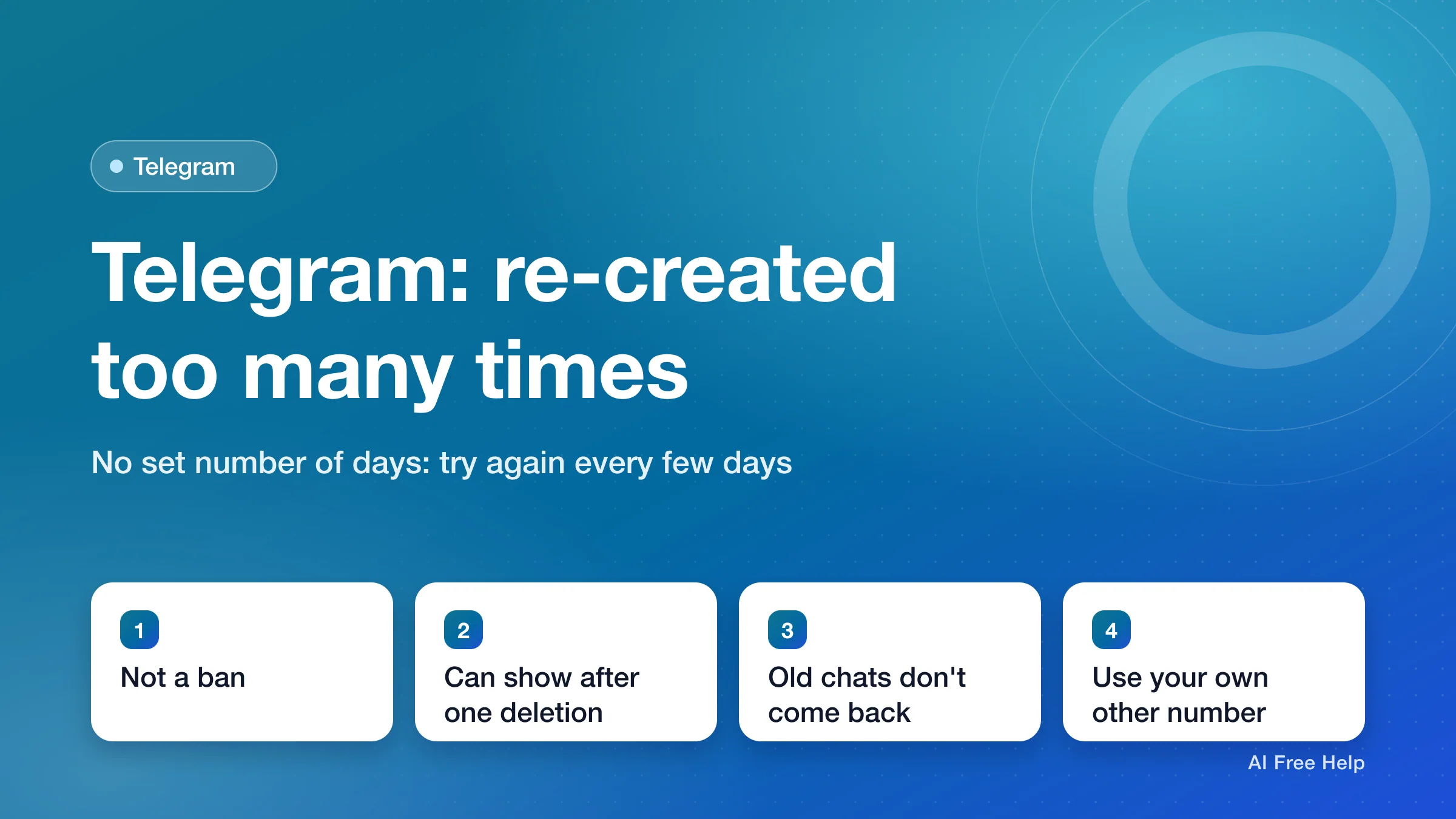
Telegram's Android, iPhone and Telegram Desktop apps show "Sorry, you have deleted and re-created your account too many times recently. Please wait for a few days before signing up again." right after you enter your phone number, before any code is sent. On Android, it appears in a box titled "Sorry." These Telegram apps use this sentence for a Telegram server error called PHONE_NUMBER_FLOOD, which Telegram's API documentation describes as "You asked for the code too many times." That is why you can see it even if you deleted your account only once.
How long Telegram makes you wait before you can sign up again
Telegram has not published how long the "deleted and re-created your account too many times" block lasts. Telegram has described the wait in three places, and none of them gives a number of days:
- The message in the app: "Please wait for a few days before signing up again."
- Telegram's account on X, replying to a user in April 2023: "After repeatedly deleting and recreating an account, users have to wait several days before they can create the account again." The same reply suggests "checking back every few days."
- A tip on Telegram's bug and suggestions platform: Telegram admin: "You may not be able to sign up again immediately with the same phone number."
Day counts for Telegram's "deleted and re-created your account too many times" wait that you may find elsewhere, such as "three weeks after three deletions," "you can sign up again right away" or "one to three weeks," have no evidence behind them. Nobody reports being able to sign up again after waiting a set number of days. The wait can also last longer than a few days.
How to wait:
- Try once every few days, with the same number, on one device. This follows Telegram's own "checking back every few days."
- Don't tap Next again and again. Each tap asks Telegram's server for a new code, and the API documentation describes this error as asking for the code too many times. Telegram hasn't said whether extra tries make the wait longer.
- When you get back in, don't delete the account again soon. Deleting and re-creating again is what Telegram gives as the reason for this wait.
Why Telegram shows it if you deleted your account only once
Telegram's "deleted and re-created your account too many times" message can appear after a single deletion, because the app does not count your deletions. It shows this sentence whenever Telegram's server refuses to send a code with the error PHONE_NUMBER_FLOOD.
As of November 2026, the official Telegram code for Android and Telegram Desktop shows this exact message when the request for a login code (auth.sendCode) comes back with PHONE_NUMBER_FLOOD. The official iPhone app does the same.
Telegram's API documentation for auth.sendCode gives one meaning for PHONE_NUMBER_FLOOD: "You asked for the code too many times." It says nothing about deleting accounts. So the words on your screen and Telegram's description of the error don't match:
- Deleting and re-creating an account several times can lead to it, as Telegram's reply on X says.
- Asking for a code many times in a short time can lead to it too, according to the API documentation.
Telegram hasn't said exactly when its server sends this error, or whether it looks at anything other than the phone number.
Can you delete a Telegram account and re-create it on the same number? Yes. Telegram's FAQ says that if you sign up again, "you will appear as a new user and will not get your history, contacts or groups back." People who have your number in their contacts are notified when you join. Doing this again and again is what leads to the wait.
What you can do while the number is blocked
While Telegram's "deleted and re-created" block is on your number, you can wait, use another number of your own, or write to Telegram support.
- Wait, and try every few days. See how long Telegram makes you wait.
- Sign up with another phone number that you own. Telegram's FAQ says "Each phone number is a separate account on Telegram." This is a brand-new account. Chats from the deleted account will not be on it.
- Write to Telegram support. The Telegram support form asks for four things: "Please describe your problem," "Your full legal name," "Your email" and "Your phone number." Nobody reports support lifting this block.
- If your account still exists and is open on another phone or computer, keep using it there. Telegram hasn't said whether this message also stops logins to an existing account. A device that is already logged in doesn't need a new code, so don't log out of it.
"Deleted and re-created" or a different Telegram message?
Telegram's "deleted and re-created your account too many times" block can also appear as the error code PHONE_NUMBER_FLOOD on Telegram Web, or be retold in other words. The other Telegram login messages in this table are different limits, so check the exact words on your screen.
| What you see | What it is | What to do |
|---|---|---|
| "Sorry, you have deleted and re-created your account too many times recently. Please wait for a few days before signing up again." (Android, iPhone, Desktop) | Official: the app text for the server error PHONE_NUMBER_FLOOD | Try the same number every few days |
| "PHONE_NUMBER_FLOOD" on web.telegram.org | The same error. Telegram Web K shows the error code itself instead of a sentence | Same as the row above |
| "You have deleted your account too many times, try again in a few days" | A retelling of the first row, not the exact app text | Same as the first row |
| "Too many attempts, please try again later." or "Too many tries. Please try again later." | A different limit on login attempts. The app may show a timer | See Telegram "Too many attempts" |
| "This phone number is banned." | A ban: a different server error (PHONE_NUMBER_BANNED) | See how to appeal a banned number |
| "Since the account … is active and protected by a password, it will be deleted in 1 week." | Official: a reset of a password-protected account, with a fixed one-week delay | Wait the week. The account owner can cancel it ("You can cancel this process anytime.") |
Does reinstalling Telegram or using Telegram Web change anything?
Reinstalling Telegram, moving to another phone, or switching to Telegram Desktop or Telegram Web sends the same request for a code, for the same number, to the same Telegram server. The "deleted and re-created" refusal comes from that server. The app only displays it. This site doesn't cover VPNs, temporary numbers or bought accounts.
Frequently asked questions
Will my old Telegram chats come back after the wait?
No. Telegram's FAQ says "Termination of a Telegram account is irreversible." Signing up again on the same number creates a new, empty account. The people you talked to still have their own copies of the messages you sent them.
Does the "deleted and re-created" message also block logging in to an existing account?
Telegram hasn't said. The app shows the message at the step that asks for a code, and that step is the same for logging in and for signing up. If the account is still open on another device, keep using it there, as described in what you can do while the number is blocked.