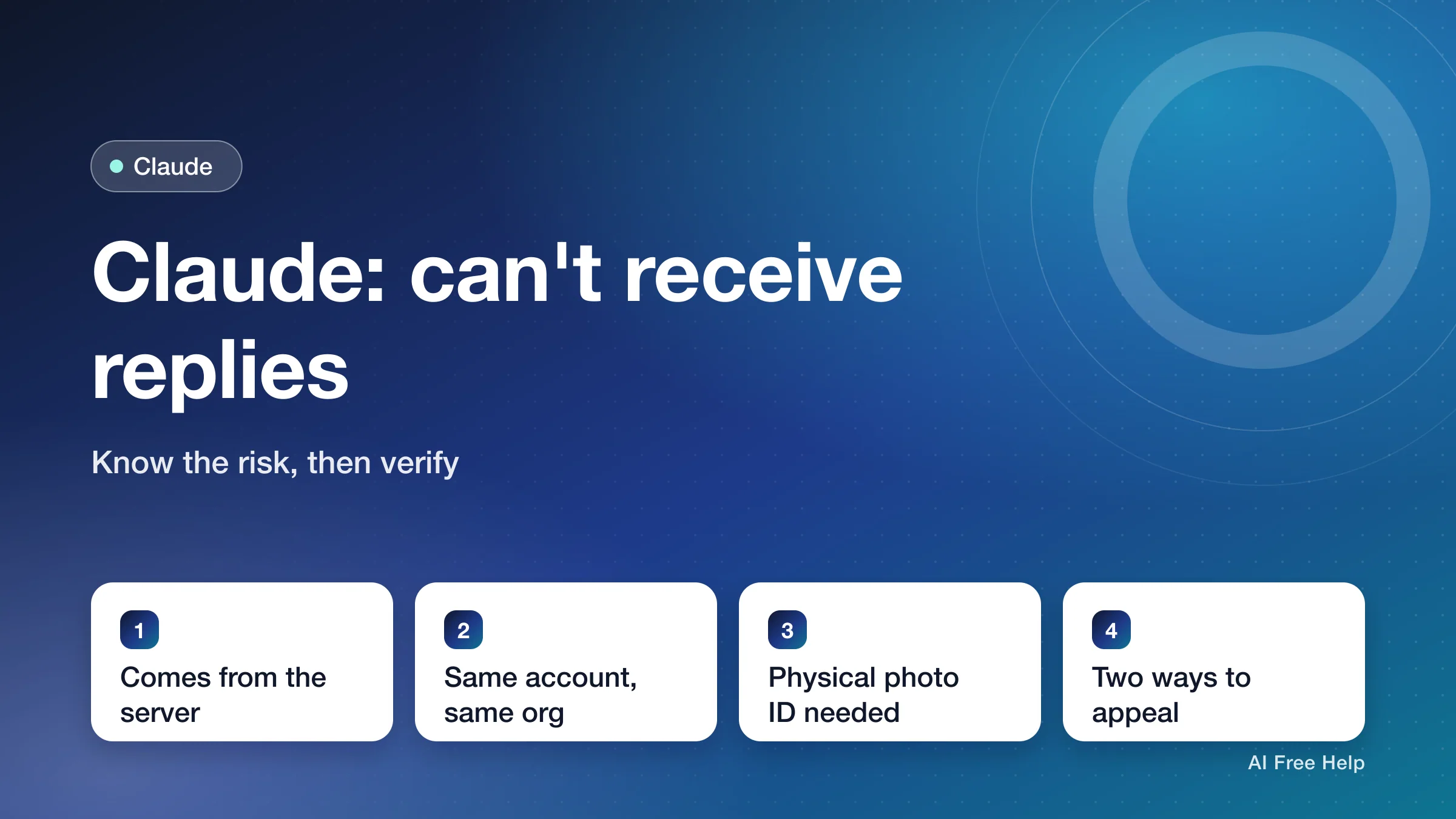
In Claude Code, the full message reads "API Error: Your account can't receive replies from Claude right now. You can find the next step in the Anthropic Verification Portal:" followed by a portal.anthropic.com link. In the Claude desktop app, the same block shows as a pop-up titled "Complete verification to continue", which says "Some features are unavailable on your account until you complete the verification. This includes replies from Claude."
As of November 2026, neither Claude's help center nor the Claude Code error reference lists this message. What follows comes from Anthropic's identity verification and appeals pages, from the Verification Portal itself, and from how Claude Code handles the error. This site is not Anthropic.
Stuck inside the portal? Go to stuck in the Verification Portal. Already verified and now banned or on hold? Go to what to do after a ban.
Before you verify: what Claude asks for and the risk
The check behind "Your account can't receive replies from Claude right now" is an identity verification run by Persona, Anthropic's verification partner. Anthropic's identity verification page says you need:
- A valid government-issued photo ID, the physical document in hand: a passport, a driver's license or state/provincial ID card, or a national identity card. It must be legible, undamaged, not expired, and show your photo.
- A phone with a camera: you may be asked for a live selfie.
Anthropic does not accept photocopies, screenshots, scans, digital or mobile IDs, student or employee cards, or temporary paper IDs. Anthropic says Persona holds the ID and selfie, not Anthropic's systems, and that the data is not used to train models.
Bans or holds soon after Claude's identity verification are common. Such bans are also common when the ID comes from a country that is not on Claude's list of supported locations. Anthropic's appeals page still lists "Account creation from an unsupported location" as a reason for a ban. Anthropic's help pages mention VPNs only for sign-in errors, not for this check.
You can wait before you decide. The desktop pop-up has a Not now button. Replies stay off until you verify (see what doesn't clear the message). Whether to verify is your choice. If you want to keep your chats, export them first: in Claude on the web or desktop, go to Settings > Privacy and click Export data (export your Claude data). The download link arrives by email and expires after 24 hours.
Verify: what happens after you click the link
The link at the end of "Your account can't receive replies from Claude right now" opens the Anthropic Verification Portal. The portal does not verify you from the link alone. It asks you to log in, then to pick an organization, then sends you through Persona.
- Check the address. The link must start with
https://portal.anthropic.com/. For this error, Claude Code only shows links to portal.anthropic.com, claude.ai or platform.claude.com. Do not sign in anywhere else. - Log in with the same Claude account and the same sign-in method. The page is titled "Log in | Verification Portal" and says "Apply for and manage trust programs for your Claude usage". That wording is generic, and you are in the right place. Choose Continue with Google, Continue with email or Continue with SSO, whichever you use for Claude.
- Pick the right organization. The portal asks you to select an organization. The list can show a personal Claude Console organization and the claude.ai organization that holds your Pro or Max plan. Pick the one that holds the plan you were using when the message appeared.
- Follow Persona's steps. Choose your country and ID type, photograph the ID, and take the selfie. Choose the ID type with care, because a wrong choice can be hard to undo (see stuck in the portal).
- Skip the Programs page. After verification, the portal shows a Programs page with Cyber Verification Program and an Apply button. That is a separate program for security work. You don't need it to get replies back.
- Go back to Claude and send a short message. In Claude Code, send a one-line prompt. In the desktop app, use Try again.
Anthropic gives no time for verification to take effect. An April 2026 version of the identity verification page said verification "typically takes under five minutes"; the current page no longer says that. The portal also has an "in review" status and an "expired" status, so a finished check may not apply at once and may be asked for again later. Getting replies back after Claude's identity verification is reported only in rare cases, so keep your exported data.
If you're stuck in the Verification Portal
Getting stuck inside Claude's verification flow is common. Anthropic's identity verification page says verification can fail for several reasons: a blurry photo, an unreadable document, an expired ID, an incorrect registration number, or a technical issue. The page says you get multiple attempts, and that "most failures are resolved by retaking the photo in better lighting" or by using a different government-issued photo ID.
Steps where verification can stop:
- Your country is not in the list. Even a country on Claude's supported list can be missing.
- "Submit Government IDs — Select 2 of the following." Some ID paths ask for two documents. If neither option fits your country, you may not be able to go back from this step.
- You chose the wrong ID type. The flow may lock after this.
When your attempts are used up, Anthropic's page says to use the identity verification help form, which is "For users who couldn't complete identity or business verification." You can also write to support from Claude: click your name in the lower left, choose Get help, then Send us a message (how to get support). Nobody reports the help form or a support email fixing a stuck verification, and a reply can take a while. The help form may also send you back to the Claude home page after you sign in.
Banned or on hold after verifying
A ban after Claude's verification goes through the normal appeal process, but Anthropic links to two different appeal entry points:
- claude.ai/restricted. The appeals page says to log in at claude.ai with the banned account and use the form there: "You must be logged in to access the appeal form." If only an organization you belong to is paused for "unusual activity", that screen has a Request a review button for it.
- The "Account Ban Appeal" form. The identity verification page links to a Google form with that title. It asks for your email, your name, the email on your Claude account, and a message.
Anthropic does not say which one to prefer. Nobody reports an appeal restoring an account that was banned after verifying, and a refused appeal can end with "This is our final decision." The appeals page also says response times are longer than normal.
Save your data before or while you appeal. Anthropic says a banned Free, Pro, Max or Ultra account can still log in at claude.ai to export its data or delete the account. What you can export may be limited, depending on the reason for the ban.
On a team or company account
On a Claude Team or Enterprise plan, an admin may need to verify before you can. The Verification Portal shows "An Admin of that organization needs to complete a verification before you can join." It also says only organization admins can set up the Verification Portal for a team workspace. Send the full message, including the link, to your Claude admin. Don't create a new organization in the portal to get around it.
Is it this message or another one?
Claude has several messages that stop replies. The portal link and the missing reset time set "Your account can't receive replies from Claude right now" apart from the others.
| What you see | What it is | What to do |
|---|---|---|
| "Your account can't receive replies from Claude right now…" with a portal.anthropic.com link, or the "Complete verification to continue" pop-up | Verification required for your organization | Verify, or wait and decide |
| "Your account is on hold and can't use Claude Code. View details or appeal: https://claude.ai/restricted" | The account is suspended (Claude Code error reference) | Appeal at claude.ai/restricted |
| "App unavailable in region" | Claude Code is not available in your country (installation troubleshooting) | Check the supported locations list |
| "API Error: 403 Request not allowed" after logging in to Claude Code | A plan, Console role or proxy problem | Check your plan at claude.ai/settings, your Console role, or your proxy |
| "5-hour limit reached - resets [time]" or "You've reached your weekly limit. It resets [day] at [time]." | A usage limit | Wait for the time shown (weekly limit warnings) |
| "Due to unexpected capacity constraints, Claude is unable to respond to your message.", or a temporarily unavailable message with no verification link that everyone sees at once | Capacity or an incident (error messages page) | Check status.claude.com and try again in a few minutes |
| "There was an error logging you in" | A sign-in problem | See sign-in errors |
The verification message does not show a "403" code, and it is not the same as "API Error: 403 Request not allowed", which Claude Code's installation troubleshooting page ties to your plan, Console role or proxy. The verification message has no reset time, so it is not a usage limit either. It also does not depend on an email: the link is in the message. Anthropic's separate age check is the one that sends its link by email (age assurance).
What doesn't clear the verification message
As of November 2026, Claude Code shows the server's text for "Your account can't receive replies from Claude right now" as it is, and it does not retry the request. Claude Code treats it as a different error from "on hold" and from a region block.
- Retrying the message, waiting, or switching your VPN location: nobody reports any of these clearing the message without verification, and Claude Code does not retry it either.
/login, reinstalling or updating Claude Code: the block is on your account's organization, not on your computer. Other apps that run Claude Code show the same message.- Getting around the check with someone else's ID, a paid verification service, or a bought or new account: this puts the account at risk of a ban.