"SMS Fee" is a real screen in the official Telegram app that asks you to buy a short Telegram Premium subscription before it texts you a login code. Telegram's developer docs say official apps show it where SMS to your country or carrier is very expensive, so it isn't a scam. A chat or website asking you for an "SMS fee" or a login code is a scam. Don't log out of any other logged-in device, because a free code can still arrive there.
What to do first on the SMS Fee screen
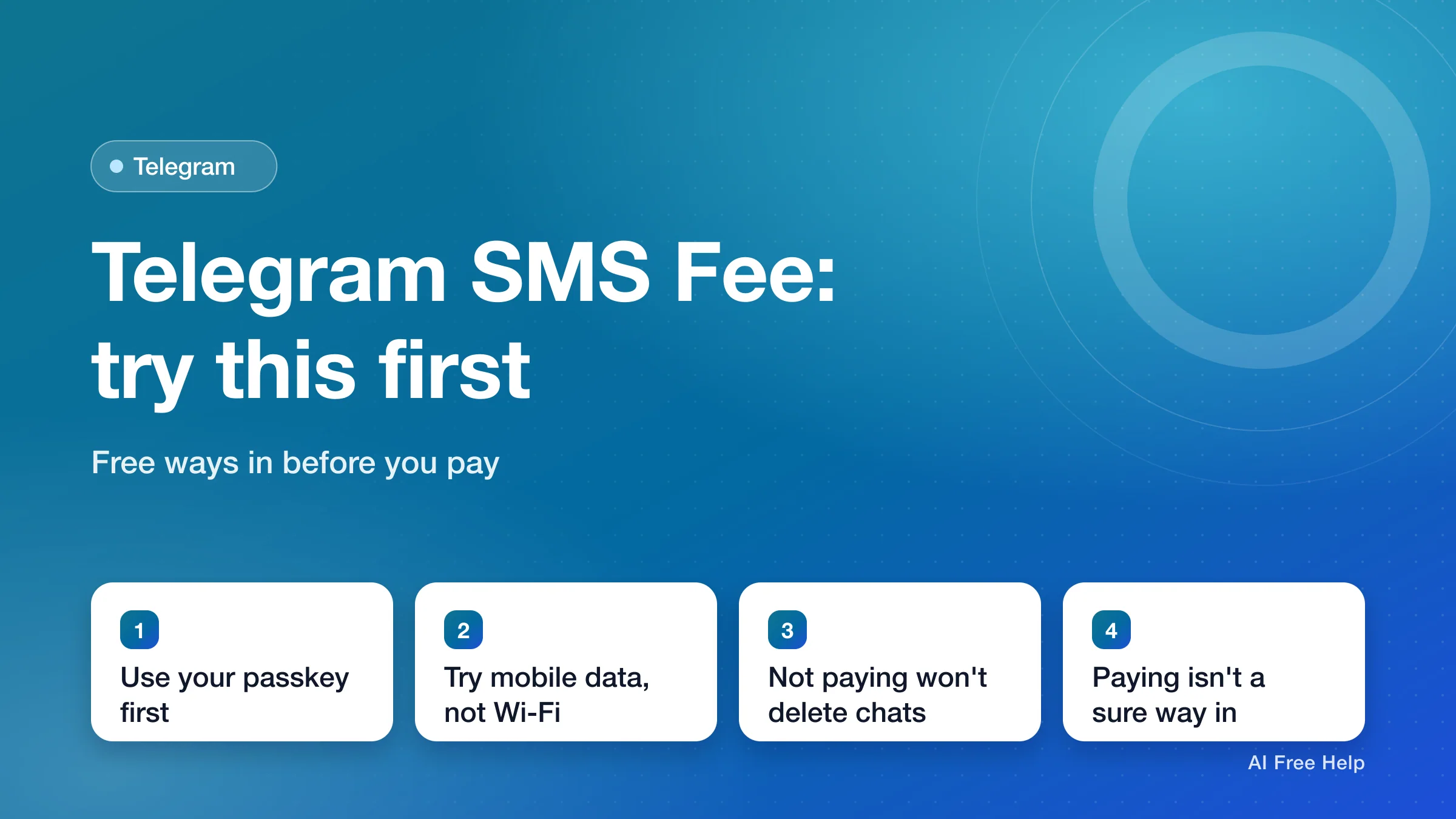
On the Telegram SMS Fee screen, try the free routes first: your passkey, a device that's still logged in, mobile data, a clean reinstall, and only then waiting or paying.
- Use your passkey if you created one earlier. On the phone number screen, tap log in using passkey. Your phone or password manager asks for your fingerprint, face or PIN, and no SMS code is needed. This often works, and it costs nothing and doesn't depend on SMS at all, so it comes first.
- No passkey? Open Telegram on a device that's still logged in. This can be a phone, tablet, Telegram Desktop or Telegram Web. Keep it logged in. Logging it out to force an SMS can leave you with no place a code can still reach. On that device:
- Open the chat named Telegram with a blue check and look for the newest login code. The Telegram FAQ says a code may come there instead of by SMS if you used that device recently. If your new phone says "We've sent the code to the Telegram app on your other device.", type it in. This code often doesn't get people past the SMS Fee screen: it may never arrive, or the screen may have no field for it.
- Create a passkey on that device in Settings > Privacy and Security > Passkeys, then go back to step 1 on the new phone. A passkey made this way often works where the code doesn't.
- Signing up for a new account? One more route helps only in rare cases: Add Account inside a Telegram app that's already logged in on another number.
- Close Telegram completely and turn off Wi-Fi and any VPN or proxy. Open Telegram on your SIM's mobile data and enter your number again. A code screen instead of SMS Fee means you're past it. This often works, but not for everyone, so try it once, not over and over.
- Delete Telegram and install it again from Google Play or the App Store. Enter your number on mobile data. A clean reinstall also often works, but not for everyone.
- If you still see SMS Fee, either wait several days and try again, or pay. The amount is on the Sign up for button (price, renewal and payment methods are under "How much is the Telegram SMS Fee, and how do you pay it?"). Telegram hasn't said whether the screen goes away by itself. Waiting works for some people and not others: the screen can go away later, but it is common for it to still be there after 10 days or more.
Which ways past the Telegram SMS Fee actually work?
No route gets everyone past the Telegram SMS Fee screen, and that includes paying: many people who tried to pay hit a failed payment or stayed stuck. The free routes below are listed from most to least reliable.
- A passkey made on a device that's still logged in: often works (steps 1 and 2).
- Mobile data instead of Wi-Fi, a clean reinstall, or the telegram.org Android app: each often works, but not for everyone (steps 3 and 4, and the telegram.org app).
- A code sent to another logged-in device, the official route and the first tip in AI summaries: often doesn't get people past the screen.
- Telegram X, suggested in AI summaries: rarely gets people past the screen.
- An email code, also suggested in AI summaries: almost never helps. Most people who enter one still hit the SMS Fee screen or an email error.
- A VPN or proxy, old app versions from download sites, or modded apps, suggested in videos and forums: there is no evidence that a VPN or proxy helps. Old versions can put you in an empty account on Telegram's separate test server instead of your own, and an unofficial build gets full access to your account.
Which SMS Fee case matches what you saw?
Find the row that matches what happened just before the Telegram SMS Fee screen, or what you see after it.
| What you saw | Likely cause | What to do first |
|---|---|---|
| Telegram is still logged in on another device, but no code shows up there, or the code arrives and the SMS Fee screen has no field for it | Official: codes can go to your other sessions instead of SMS. The fee screen can appear anyway, and Telegram hasn't said why | Keep that device logged in and use it for a passkey (step 2) |
| "Add Email", an email code, then SMS Fee, "Sorry, this email can't be used." (iPhone) or EMAIL_NOT_ALLOWED (Android) | Admin reply on Telegram's bug tracker: setting up a login email also checks that SMS reaches your number, and that can cost money | Stop trying other email addresses |
| An Android phone without Google Play services, or with broken ones | Official: on Android, the SMS route relies on Google Play Integrity checks | Install Telegram from telegram.org/android |
| "Something went wrong. Try again later", "Error: You already own this item", or you paid and nothing happened | The store or Telegram's payment form didn't finish the purchase | Tap Help on the SMS Fee screen, and don't pay twice |
| A person, chat, website or another app asks you to pay an "SMS fee" | Official: Telegram never asks for your login codes or your 2-Step Verification password. Its notices come only from verified chats such as "Telegram" (42777) | Don't pay, and never share a login code |
"SMS Fee", "High SMS Costs", "One-Time SMS Fee" and "Message Fee (One-time)" are the same Telegram screen, and so is the line "Sign up for 1-week Telegram Premium subscription to help cover the SMS costs." Telegram's own app code has versions that name a number of days instead of 1 week, so the period on your screen can be longer, such as 1 month. The steps are the same for all of them. "Too many attempts, please try again later." is a different Telegram limit, not this screen, and is covered in Telegram's "Too many attempts" guide.
Why did it ask me to pay after I entered my email code?
The Telegram SMS Fee screen can appear right after an email code because adding a login email also checks that SMS reaches your phone number. An admin answered this on Telegram's bug tracker (Telegram admin: email setup also checks that you can receive SMS): during login email setup "you also need to verify that you can receive SMS messages on the number linked to your account," and "depending on your region, a payment might be required."
That makes the email code a poor way past the screen. Most people who enter one still end up on the SMS Fee screen or get an email error ("Sorry, this email can't be used." or EMAIL_NOT_ALLOWED).
If the app asks for your first and last name on a number that already has an account, stop. That is the sign-up screen for a new account, not the way back into your old one. Go back to the free routes in "What to do first on the SMS Fee screen."
Will Telegram X, Desktop or the telegram.org app let me in for free?
The telegram.org Android app works for some people and not others, and Telegram X rarely gets people past the SMS Fee screen. Telegram Desktop and Telegram Web never text you a code, so they help only if you can log in there another way. None of these apps gets you a free SMS from Telegram.
On Android you can install Telegram directly from telegram.org/android, and Telegram's page says that version "has fewer restrictions." On phones with missing or broken Google Play services (very old phones, Huawei, de-Googled Android), it is the app to try. Telegram's User Authorization docs say the SMS route for official Android apps depends on Google Play Integrity checks.
Telegram X is Telegram's experimental Android app. Besides leaving people on the same screen, it can send the code to another device that never receives it.
The User Authorization docs say non-mobile apps log in with other methods: codes in your Telegram sessions, email codes, QR codes and passkeys. So Telegram Desktop shows a QR code to scan from a phone that's already logged in. Without another logged-in device, Telegram Web or Desktop often doesn't help.
How much is the Telegram SMS Fee, and how do you pay it?
The Telegram SMS Fee is small, and the price on the Sign up for button is the one that applies to you. Telegram doesn't publish a price list. Its auth.sentCodePaymentRequired docs say the server sends the app a currency, an amount and the number of Premium days for each request.
Prices people report range from about US$1 to US$2, or a similar amount in local currency. The Telegram Premium FAQ says Premium prices vary by country and can include store fees and local taxes.
To pay, tap Sign up for and the price. In the app from Google Play or the App Store, the charge goes through that store. In the Android app from telegram.org, Telegram's own payment form opens. You get Telegram Premium for the period on the screen, and the Premium FAQ says free features stay as they were when Premium ends.
Telegram's help pages don't say whether this purchase renews. On Telegram's bug tracker, an admin says the one-week Premium subscription "will not renew automatically" (Telegram admin: the one-week subscription does not renew). Telegram's Android app code agrees: it buys the item from Google Play as a one-time purchase, not a subscription. The iPhone app's code doesn't show how the App Store item is set up.
Paid but still no code, or the payment failed?
If you paid the Telegram SMS Fee and no code came, don't pay again. Contact Telegram from the SMS Fee screen with your receipt.
- Tap Help at the top right of the SMS Fee screen (on Android, tap the menu button there, then Help). It opens an email to Telegram with your phone number and device details filled in. The auth.sentCodePaymentRequired docs call the subject line mandatory, so leave it as it is and add your comment where the email says to.
- Add the store receipt and the date and time you paid.
- The Telegram FAQ also lists the support form at telegram.org/support for login problems, and @SmsTelegram on X as its official login-help account.
Telegram doesn't publish a process or a reply time for payment problems. People who contacted Telegram support about the SMS Fee report no reply or no useful answer, so keep your receipt and expect to wait.
Nobody reports a fix for any of these three Telegram payment errors, so Help on the SMS Fee screen is the step for each:
- "Something went wrong. Try again later" can come up in the telegram.org app on phones without Google Play. Say in the Help email which app version you used and that the phone has no Google Play.
- Google Play's "Error: You already own this item" means Play has an earlier purchase of the same item on record. Telegram's Android app code looks for that earlier purchase and tries to apply it before charging again. Mention the earlier purchase and attach its receipt.
- Telegram's card form may not accept card numbers longer than 16 digits, such as 19-digit China UnionPay cards. Say so in the Help email.
If Google Play declines your card, see Google Play error OR-CCSEH-05 and "Your transaction cannot be completed".
How do I avoid paying next time I switch phones?
Set up a free way back into Telegram while you're still logged in, so the SMS Fee screen has nothing to block.
- Create a passkey in Settings > Privacy and Security > Passkeys. Keep it in a password manager you'll still have on your next phone, such as iCloud Keychain or Google Password Manager.
- Keep a second session. Leave Telegram Desktop or a tablet logged in. To add a computer, open Telegram Desktop, then on your phone go to Settings > Devices > Link Desktop Device and scan the QR code.
- Don't uninstall Telegram or clear its app data to free up space, because that logs you out. The Telegram FAQ's way is Settings > Data and Storage > Storage Usage > Clear cache, which frees space without logging out.
Frequently asked questions
Will I lose my chats or my account if I don't pay?
No. Not paying doesn't delete your Telegram account: the Telegram FAQ says an inactive account is deleted only after the self-destruct period, 18 months by default, which you can change in Settings. Cloud chats sync to any device you log in on later. Secret Chats are the exception, because they live only on the device where they started. You also can't delete the account from outside, because the deactivation page sends its code through Telegram, not SMS.
Is Telegram free, or is the SMS Fee a scam?
Telegram is still free to use, and the SMS Fee inside the official app during login or sign-up isn't a scam. Anyone who asks you outside the app for an "SMS fee," an "activation fee" or a login code is running a scam (see the last row of the SMS Fee case table).
Why is Telegram saying SMS fee?
Telegram's User Authorization docs give the cost of SMS to your country or carrier as the reason for the SMS Fee, a step that only official apps show. The docs don't mention a flagged number or an unusual IP address as a cause. The screen itself says "Telecom providers in your country charge Telegram very high prices for SMS."
Can I get the code by phone call instead?
Only if Telegram offers it, and you can't request one. The Telegram FAQ says call codes may be unavailable for some carriers or may require 2-Step Verification. Nobody reports a phone call getting them past the SMS Fee screen.
How do I skip the Telegram SMS Fee on iPhone?
Use the same free routes as on Android, minus the Android-only apps: a passkey saved in iCloud Keychain or another password manager, mobile data instead of Wi-Fi, and reinstalling from the App Store. The telegram.org download and Telegram X are Android apps. On iPhone, people who tried an email code or a code on another logged-in device were still stuck on the SMS Fee screen.
Which countries are free of the Telegram SMS Fee?
There is no list of countries with or without the Telegram SMS Fee, because Telegram decides for each login request. Telegram's User Authorization docs tie the screen to the cost of SMS for your country and carrier, and the auth.sentCodePaymentRequired docs show the server sending the price with each request. The screen has been reported from South Asia, Africa, Europe, China and the US, so no region is known to be safe from it.