"Error submitting message" followed by "DisposableStack is not defined" or "Can't find variable: DisposableStack" is a two-line error in Codex: the first line says the message did not go out, and the second line gives the reason. It means Codex tried to use DisposableStack, a newer JavaScript feature, on a runtime that does not have it. The wording tells you where it failed. "DisposableStack is not defined" comes from Node.js or Chromium, so from VS Code. "Can't find variable: DisposableStack" comes from Safari's engine, which every browser on an iPad also uses.
In VS Code, the first message in a new Codex chat goes through, and the error appears on the next message in the same chat. The chat is still there, but you cannot add to it. This is a bug in some Codex extension builds, not a problem with your setup. OpenAI's documentation and the ChatGPT & Codex changelog do not mention this error. This site is not affiliated with OpenAI.
Fix it in VS Code: check your VS Code version first
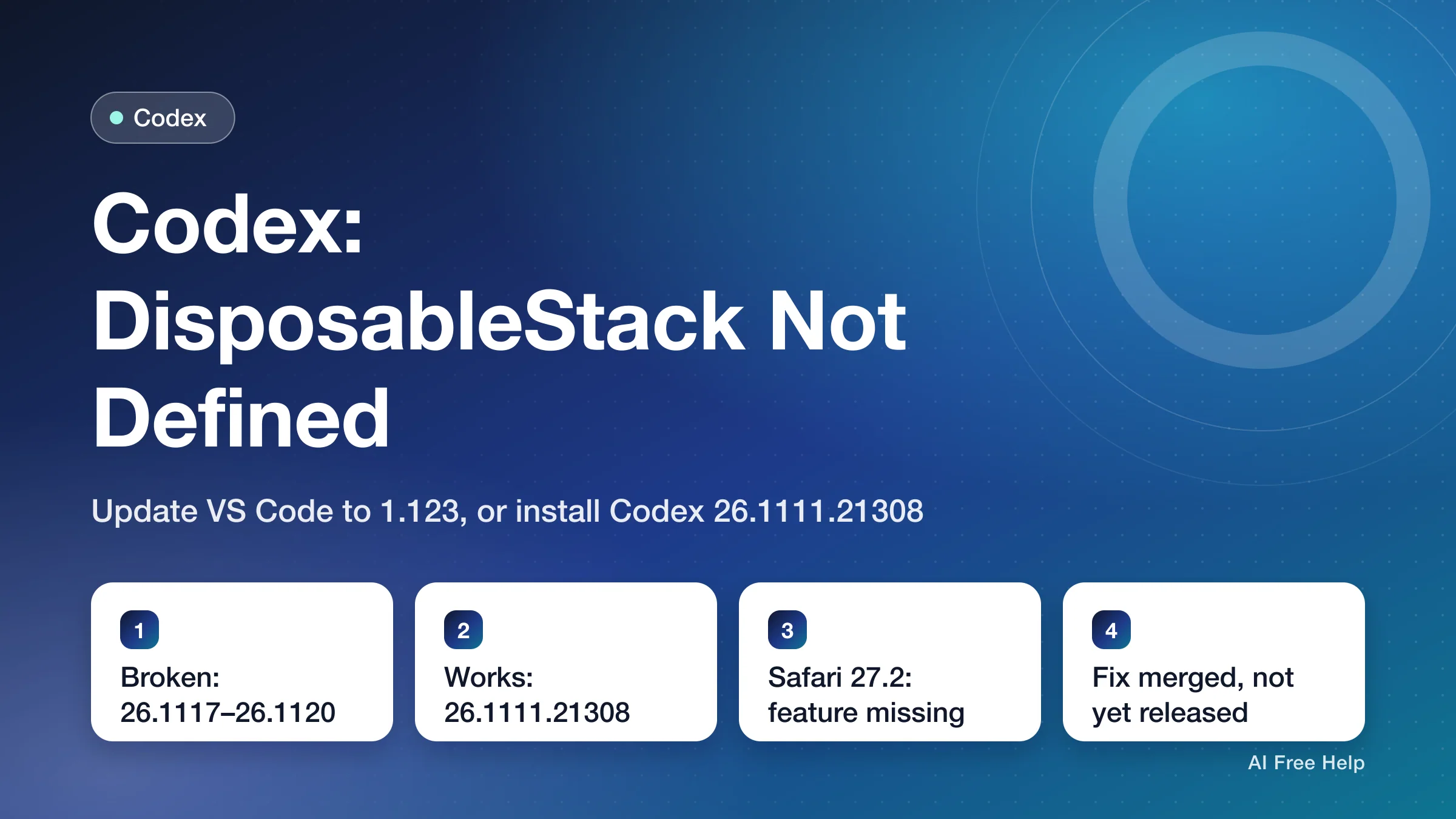
To fix "Error submitting message: DisposableStack is not defined" in a Codex chat in a WSL, Remote-SSH or Dev Containers window, update VS Code to 1.123 or later and connect again. In a remote window, the Codex extension runs on the remote machine, inside the VS Code Server (VS Code: Supporting Remote Development). Up to VS Code 1.122, that server runs Node.js 22. From VS Code 1.123.0 (June 2026), it runs Node.js 24 (VS Code source, version 1.122.0 and version 1.123.0). DisposableStack is turned on by default only from Node.js 24 (Node.js 24.0.0 release notes: "Explicit resource management"). Codex builds from 26.1117.31558 on use it on that remote side.
-
Check your VS Code version. On Windows and Linux, open Help > About. On macOS, open Code > About Visual Studio Code. The first number listed is the VS Code version (Visual Studio Code FAQ). If the lower-left corner of the status bar shows "WSL: …", "SSH: …" or "Dev Container: …", you are in a remote window.
-
If it is 1.122 or older, update VS Code and connect to the remote again. The latest version is 1.148.0 as of November 26, 2026. Close the remote window, then open the WSL folder, SSH host or container again. VS Code says the server "needs to match the VS Code client version exactly", so it installs or updates the server when you connect (VS Code: Supporting Remote Development). The new server has DisposableStack, so the latest Codex build can send messages there, and you do not need an older Codex build.
-
If you cannot update VS Code, install Codex 26.1111.21308. In the Extensions view of the remote window, right-click Codex ("Codex – OpenAI’s coding agent", ID
openai.chatgpt) and select Install Another Version (VS Code: Extension Marketplace). Choose 26.1111.21308, or 26.1106.51428. Neither build uses DisposableStack on the remote side. Both are on the VS Code Marketplace, on Open VSX and in Cursor's extension list. In a local window, this command does the same (VS Code: Command Line Interface):textcode --install-extension openai.chatgpt@26.1111.21308 --force -
Turn off Auto Update for the Codex extension only. Right-click Codex and turn off Auto Update. Without this, VS Code installs the newest Codex build again, and the error comes back. When OpenAI releases the fix, turn Auto Update back on.
-
Until then, start a new chat for each message. The first message in a new chat goes through. A new chat does not have the earlier chat's context, so use this only until step 2 or step 3 is done.
In a local VS Code window, the Codex extension runs inside VS Code's own Electron runtime. VS Code 1.101 (June 2025) and later use Electron 35 or newer (VS Code source, version 1.101.0), which is built on Chromium 134. Chrome 134 is the first Chrome version with DisposableStack (MDN: DisposableStack), but that is about the browser. So a local window may not show this error. This has not been confirmed in a local window. If a local window shows "DisposableStack is not defined", check that VS Code is 1.101 or later, then use step 3.
In Safari or on an iPad: "Can't find variable: DisposableStack"
"Can't find variable: DisposableStack" in Codex means Safari's engine is running the Codex code, and no released Safari version has DisposableStack as of November 26, 2026. The first Safari with it is 27.3. Its beta release notes say "Added support for Explicit Resource Management" (Safari 27.3 Beta Release Notes). Safari 27.3 is still a beta, and the current release is Safari 27.2. Updating macOS or iPadOS to a released version does not add the feature. The error is also searched as "DisposableStack is undefined", but Safari shows "Can't find variable: DisposableStack".
- Codex on the web in Safari on a Mac (chatgpt.com/codex): use Chrome 134 or later, Edge 134 or later, or Firefox 141 or later, which have DisposableStack (MDN: DisposableStack). In Safari, Codex on the web can fail on every message, not only the second. OpenAI closed the public bug reports about Codex on the web in Safari on October 23, 2026, without a note, and nobody reports that it has worked in Safari since.
- On an iPad: Chrome, Edge and other iPad browsers use the same engine as Safari, so switching browsers on the iPad does not add DisposableStack. Use Codex from a Mac or PC browser listed above.
- VS Code in a browser (Codespaces, or another VS Code you open in a browser tab): Codex builds from 26.1106.51428 on bring their own DisposableStack for the part that runs in your browser. If the second line reads "DisposableStack is not defined", the error comes from the remote server, not from Safari. Check the VS Code version of that server, as in the VS Code steps. On Codex 26.1021.22027, the error can come from Safari itself, so install 26.1111.21308 there.
Which Codex extension builds show the error
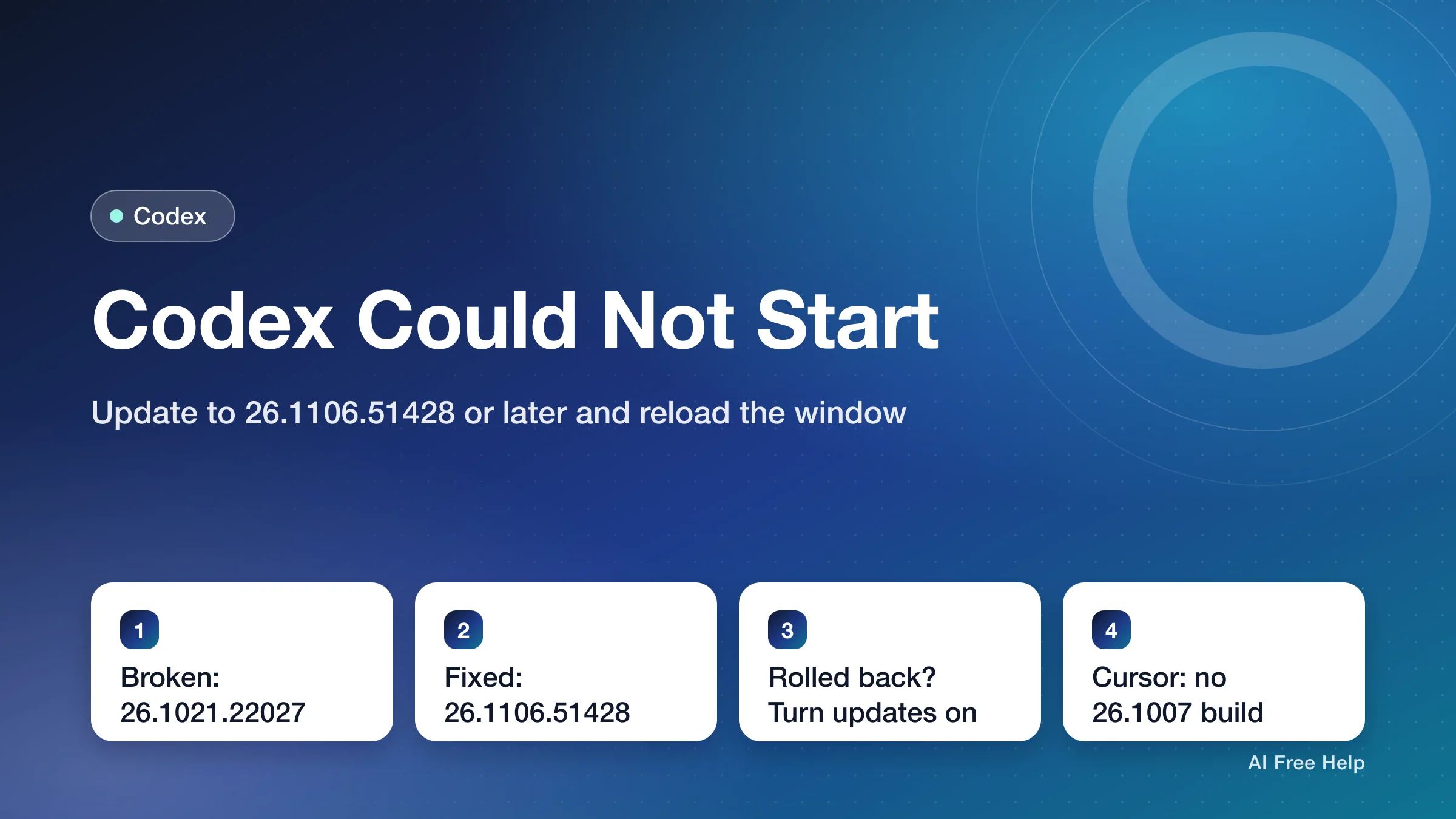
The Codex DisposableStack error came in two rounds, and each round hit a different part of the extension. Codex 26.1021.22027 needed DisposableStack in the chat view, the part that runs in the browser or the VS Code window. Builds 26.1106.51428 and 26.1111.21308 do not show the error. From 26.1117.31558, the part that runs in VS Code's extension host needs it, so the error moved to remote servers on Node.js 22. The table lists stable builds as of November 26, 2026. A pre-release build has the same number with a 5 added after "26.", and it behaves the same.
| Codex extension build | Released | DisposableStack error? | Notes |
|---|---|---|---|
| 26.1007.21434 | October 9, 2026 | No | Not on Open VSX or in Cursor's list |
| 26.1021.22027 | October 23, 2026 | Yes, in the chat view | Safari, any iPad browser, some VS Code windows |
| 26.1106.51428 | November 11, 2026 | No | On all three extension stores |
| 26.1111.21308 | November 13, 2026 | No | On all three extension stores |
| 26.1117.31558 and 26.1117.41037 | November 20, 2026 | Yes, in the extension host | Remote windows of VS Code 1.122 or older |
| 26.1120.41243 and 26.1120.50957 (latest) | November 24, 2026 | Yes, in the extension host | Remote windows of VS Code 1.122 or older |
OpenAI staff: "Just merged a fix here! (Will take some time to get out in a public release due to the holiday.)" That was on November 25, 2026. As of November 26, the newest build on all three extension stores is still 26.1120.50957, from November 24, so the fix is not out yet.
If you updated Codex to the latest build to fix "Codex could not start", builds from 26.1117.31558 on bring "DisposableStack is not defined" in remote windows of VS Code 1.122 or older. Builds 26.1106.51428 and 26.1111.21308 have neither bug.
The error shows up on later messages because the Codex code that uses DisposableStack is the code that sends a message into an existing chat or sends a queued message. That is why the first message of a new chat goes through.
The latest Codex build declares that it works with VS Code 1.96.2 and later, so VS Code installs it on versions whose remote server cannot run it. An automatic Codex update can break a remote window that worked the day before. Neither the extension's listing nor OpenAI's documentation names a minimum VS Code version.
Common fixes that don't help with this error
AI answers and older guides suggest several fixes for "Error submitting message: DisposableStack is not defined" in Codex. As of November 2026, these do not fit:
- Rolling back to Codex 26.1007.21434: that build does not use DisposableStack when it sends messages, so it stops the error, but it is not the build to choose. It is not on Open VSX or in Cursor's list, and it is older than the build that fixed "Codex could not start". It may also not offer the newest models. Use 26.1111.21308, or update VS Code.
- Developer: Restart Extension Host or Reload Window: there is no evidence it helps with this error. A restart runs the same Codex code on the same runtime. The advice comes from a different "Error submitting message", the one with "timeout".
- Refreshing the page, a private window, or clearing site data in Safari: the feature is missing from Safari itself, so none of these can add it.
- Switching to the Codex pre-release: the current pre-release, 26.51120.50957, has the same extension host code as 26.1120.50957 and shows the same error.
Same "Error submitting message", different second line
In Codex, the second line under "Error submitting message" names the problem. Only "DisposableStack is not defined" and "Can't find variable: DisposableStack" come from the DisposableStack bug in Codex builds 26.1021.22027 and 26.1117.31558 to 26.1120.50957.
| Second line | What it is | What to do |
|---|---|---|
| timeout, or "Cannot steer conversation … without an active turn id" | Codex lost track of a running reply. | Run Developer: Restart Extension Host. This is the error that the restart advice is for. |
| "The caller does not have permission to execute the specified operation" | Codex on the web cannot use the selected cloud environment. | Check that your account can use that cloud environment or workspace. |
| "Thread not found" | Codex could not find the chat. | Not covered here. |
| "App-server queued follow-up no longer exists" | A queued message could not be sent. | Not covered here. |
If the whole Codex sidebar does not load and shows "Codex could not start / The extension could not start its user interface.", that is a different message. It came in the same Codex build, 26.1021.22027, and 26.1106.51428 fixed it. See the "Codex could not start" guide. Builds 26.1106.51428 and 26.1111.21308 avoid both bugs.
Questions
Does the Codex CLI or the ChatGPT desktop app show this error?
The Codex CLI does not run the code that fails with "DisposableStack is not defined". Its npm package only starts a native program and has no DisposableStack code, so codex in a terminal is not affected. No public bug report links "DisposableStack is not defined" to the ChatGPT desktop app.
When will OpenAI release the fix?
OpenAI has not given a date. OpenAI staff said on November 25, 2026 that the fix was merged and would "take some time to get out in a public release due to the holiday". When a Codex build newer than 26.1120.50957 appears in the Extensions view, turn Auto Update back on for Codex, or click Update. By default, VS Code waits 12 hours before it installs an extension update by itself, and the Update button skips that wait (VS Code: Extension Marketplace).
What about Cursor or other editors?
Codex builds 26.1117.31558 to 26.1120.50957 show "DisposableStack is not defined" in any VS Code-based editor whose remote server runs Node.js 22. If you cannot update that server, install Codex 26.1111.21308 through the editor's version picker, called Install Another Version or Install Specific Version. Cursor's extension list has that build.