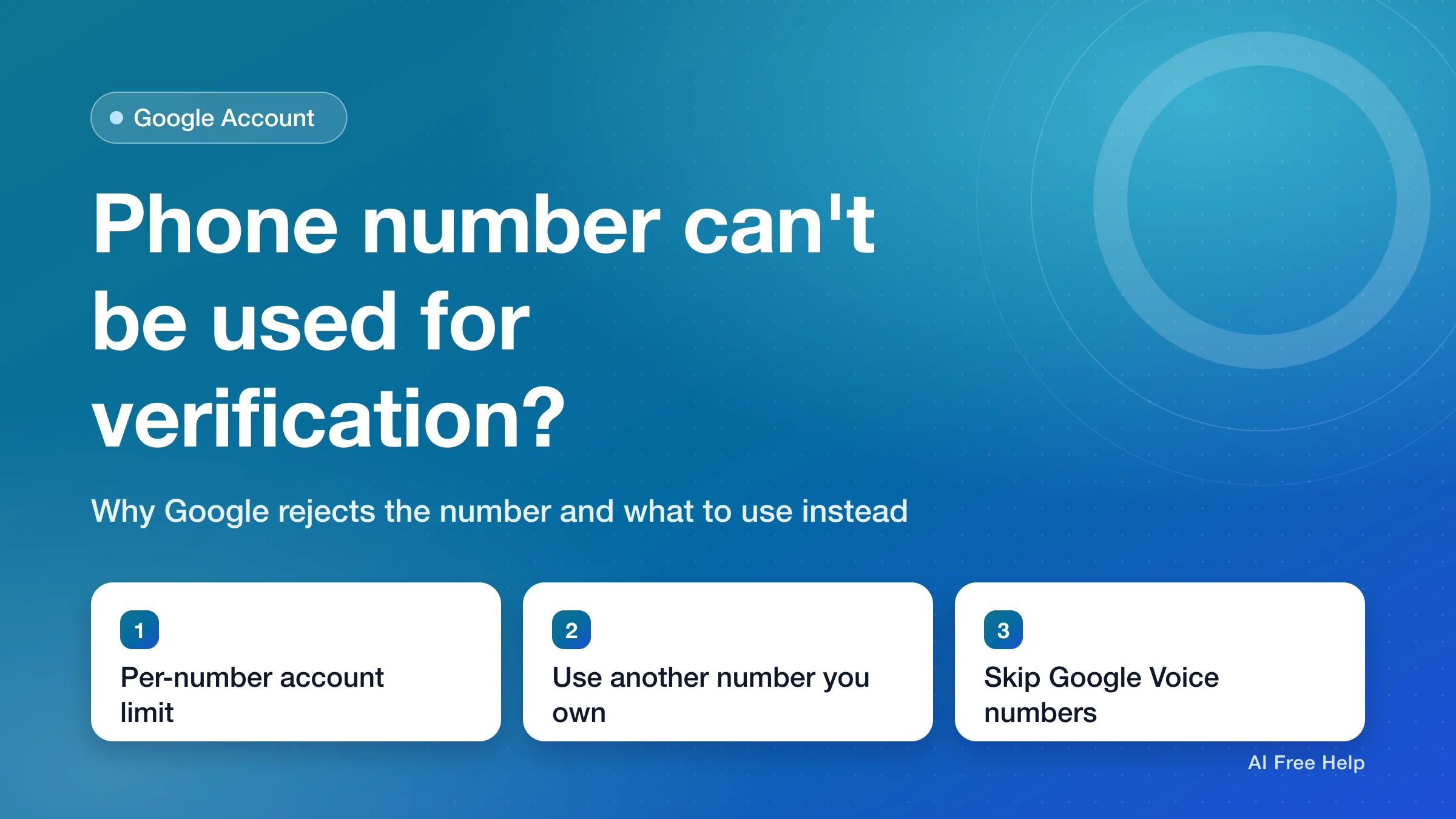
"This phone number cannot be used for verification" means Google won't accept that number for this verification step because it has already been used to create as many accounts as Google allows. Google's Verify your account page says it limits "the number of accounts each phone number can create" to protect against abuse, and the only fix it gives is to use a different number (checked November 15, 2026).
So waiting and retrying with the same number isn't the documented fix. Enter another mobile number that can receive texts: ideally one you own and plan to keep, or, as Google suggests, a number from a family member, a friend, or a different carrier. Google doesn't publish what the limit is or whether it ever resets.
| Your situation | Likely cause | What to do first |
|---|---|---|
| Creating a new Google Account and you see "This phone number cannot be used for verification" | The number has hit Google's limit on accounts per phone number | Enter a different mobile number |
| The message says "This phone number has been used too many times for verification" | The number has hit Google's limit on verifications per phone number | Enter a different mobile number |
| You entered a Google Voice or other internet-based number | Google doesn't say which number types it accepts, and it advises against receiving codes on Google Voice | Use a regular mobile number that gets text messages |
| No error, but the text message never arrives | Carrier delay or a busy network | Wait a few minutes, or pick the phone call option |
| Signing in to a work or school account | Your organization's login challenge | Ask your administrator |
What does "This phone number cannot be used for verification" mean?
Google sometimes asks for a phone number before you create an account or sign in. According to Google's Verify your account page, the goal is to "confirm you're a real person" and to stop spammers. You get a code by text message or phone call and enter it to continue.
When you see "This phone number cannot be used for verification," Google has rejected the number itself, not the code. Its help page explains that each phone number can create only a limited number of Google Accounts. Once a number reaches that limit, it can't be used to verify more accounts.
A few things Google doesn't publish:
- The number of accounts one phone number can create.
- Whether the count goes back down over time, or after an account is deleted.
- Whether a number's use by a previous owner counts toward the limit.
Because of that, there's no reliable waiting period to recommend. The documented fix is a different number.
Which phone number should I use instead?
Google's help page suggests "a number from a friend, family member, or a different carrier." In practice, the order to try is:
- Another mobile number you own and keep. A work phone or a second line you use regularly is the best choice. Google says it may try to re-verify an account's phone number from time to time to make sure it's still yours, so pick one you'll still have next year.
- A family member's or friend's mobile number. This works, but plan to swap in your own number later (see the next section). Ask them first, since the code is sent to their phone.
- A number on a different carrier. Google mentions this option, but doesn't explain how carriers factor into the limit.
You'll need a mobile phone. Google's Verify your account page says "To verify your account, you need a mobile device." Text and call charges depend on your phone plan, and Google says they're usually the same as a standard text or call.
Avoid temporary or "free online" phone numbers. The account ends up tied to a number you don't control, and if Google asks for a code later, for example when you sign in on a new device or recover your password, you won't be able to get it.
Steps to finish signing up with a different number
- On the screen that shows the error, replace the rejected number with the new one. Check that the country code matches the new number.
- Get the code by text message, or by phone call if that option appears.
- Enter the code, then select Next to continue.
Once it works, the sign-up continues to the next screen. Google's Create a Google Account page lists the remaining steps.
I used a family member's number. How do I switch to my own later?
If you verified with someone else's number, add your own mobile number as the recovery phone once you have one, and then remove theirs. Google's help pages describe these paths (checked November 15, 2026):
- Go to your Google Account and click Security & sign-in.
- Under "How you sign in to Google," click Recovery phone. You might need to sign in.
- Add your own number, or click Edit next to the existing one, and follow the steps on the screen.
- To remove the borrowed number from your account, go to Personal info, then Phone, select the number, and choose Delete, then Remove number.
Google's Set up recovery options page says it may take up to 7 days for a new or changed recovery phone to take effect. Its phone number page adds that it may take about a week before a new number can be used to verify sensitive actions like changing your password. Google recommends a mobile phone "that gets text messages, belongs only to you," and that you use regularly and keep with you.
What's the difference from "This phone number has been used too many times for verification"?
Google lists the two messages separately on its Verify your account page:
- "This phone number cannot be used for verification": Google limits how many accounts each phone number can create.
- "This phone number has been used too many times for verification": Google limits how many times a phone number can be used for verification.
The advice is the same for both: use a different number, such as a family member's or friend's. Google doesn't publish either limit.
Can I use a Google Voice or VoIP number for Google verification?
Google doesn't publish a list of accepted or rejected number types, so there's no official answer on whether a given VoIP number (a phone number that runs over the internet instead of a mobile carrier) will be accepted.
What Google does say is to avoid Google Voice for codes on your own account. Its 2-Step Verification troubleshooting page warns that if you get verification codes on Google Voice, you could lock yourself out: if you're signed out of Google Voice, the code you need to get back in is sent to Google Voice. The Set up recovery options page gives the same warning for recovery phone numbers.
The safer choice is a regular mobile number that receives text messages.
Can I create a Google Account without a phone number?
Sometimes. Google's Create a Google Account page lists "Add and verify a phone number" as an optional step. You can also sign up with an existing non-Gmail email address, which Google verifies with a code sent to that inbox.
But Google's Verify your account page also says phone verification is "sometimes" required before you create an account or sign in. When Google asks for it at that point, there's no skip button, and you'll need a number it accepts. Google doesn't explain when it requires a phone number.
The number was accepted, but the verification code never came
That's a different problem from the error message. Google's Verify your account page says texts can be delayed in densely populated areas or when your carrier has issues, and suggests you "Wait for a few minutes or try the phone call option instead." The phone call option can also go to a home phone number.
Google's 2-Step Verification troubleshooting page adds a few checks that also apply here:
- Make sure your phone plan and device can receive text messages.
- Delivery speed and availability vary by location and provider.
- If you requested several codes, only the newest one works.
What if this happens on a work or school account?
If your account is managed by an employer, school, or other organization, its administrator controls the sign-in checks, and Google's help pages for personal accounts may not apply. Contact your administrator or IT team instead of retrying with other numbers.
Frequently asked questions
How many Google Accounts can one phone number create?
Google doesn't publish the number. Its help page only says that it limits how many accounts each phone number can create.
How long do I have to wait before the same number works again?
Google doesn't say whether the limit resets or how long it would take. Retrying the same number later isn't a fix Google documents; it only tells you to use a different number.
I just got this number from my carrier. Why is it already blocked?
Google's help pages don't explain whether a number's earlier use, including by a previous owner, counts toward the limit. Either way, the documented fix is to verify with another number and add this one later as your recovery phone if Google accepts it.
Does Google charge for the verification text or call?
Google's Verify your account page says the charges depend on your phone plan and are usually the same as a standard text message or call. Check with your carrier for details.